

What is Avox? WhatsApp for your whole business, on the number you already use
Avox is built on Meta's WhatsApp Business Platform. Your team answers customers together, sends approved templates, automates the busy work and connects your own systems, while the phone app keeps working.
The short version
Avox is a workspace for running WhatsApp as a business channel. You connect your WhatsApp Business number, and your whole team can answer customers from one shared inbox, send approved message templates, build automations and plug in your own software through the Avox API.
Each business lives in a Switchboard: your numbers, your team, your contacts and your settings, in one place.
Your customers already message you on WhatsApp. Avox is how the whole team answers them well.
What you can do with it
Everything in one place
- A shared inboxEvery conversation on your number, for the whole team, with notes and contact details beside each chat.
- TemplatesWrite, submit and track the message templates Meta approves, or start from the Avox library.
- AutomationsReplies and follow-ups that run by themselves, started by incoming messages, tags and other triggers.
- Contacts, tags and categoriesKnow who you are talking to, and group people the way your business works.
- The Avox APISend messages from your own systems with your own keys, and test safely before going live.
- Security built inRoles and per-member permissions, two-step sign-in, and an emailed code before the most sensitive changes.
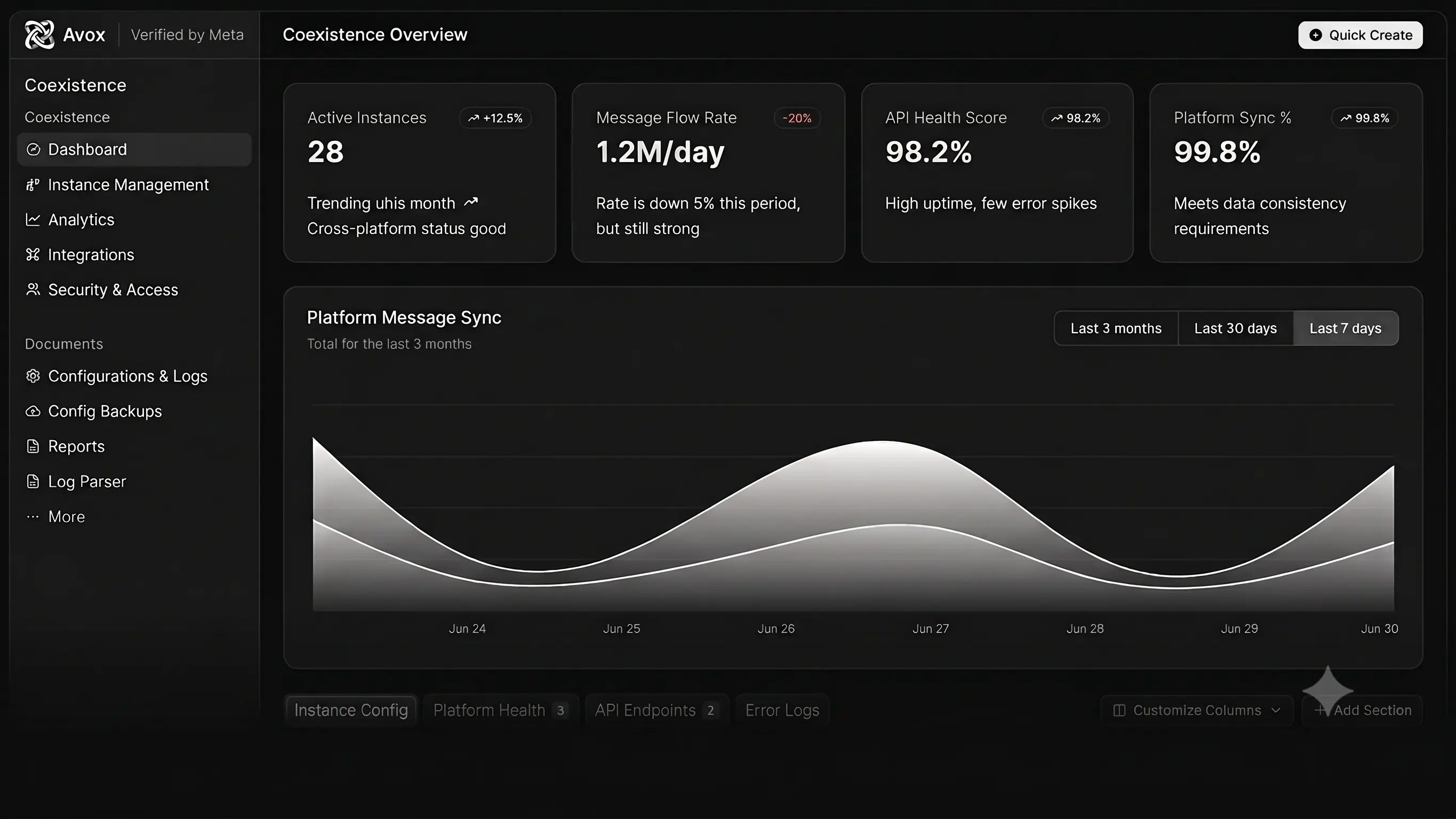
Keep using the WhatsApp Business app
Avox supports coexistence: the same number can stay in the WhatsApp Business app on your phone while it also works in Avox. Nothing about how your customers reach you changes.
How to start
- Create your account and your first Switchboard.
- Connect your WhatsApp Business number through Meta's sign-up flow.
- Invite your team, pick what each person can do, and start answering.
Thanks for reading
How did this land?
Was this helpful?
Try it yourself
Avox connects your WhatsApp Business number to a shared inbox, templates, automations and an API, without giving up the WhatsApp Business app on your phone.